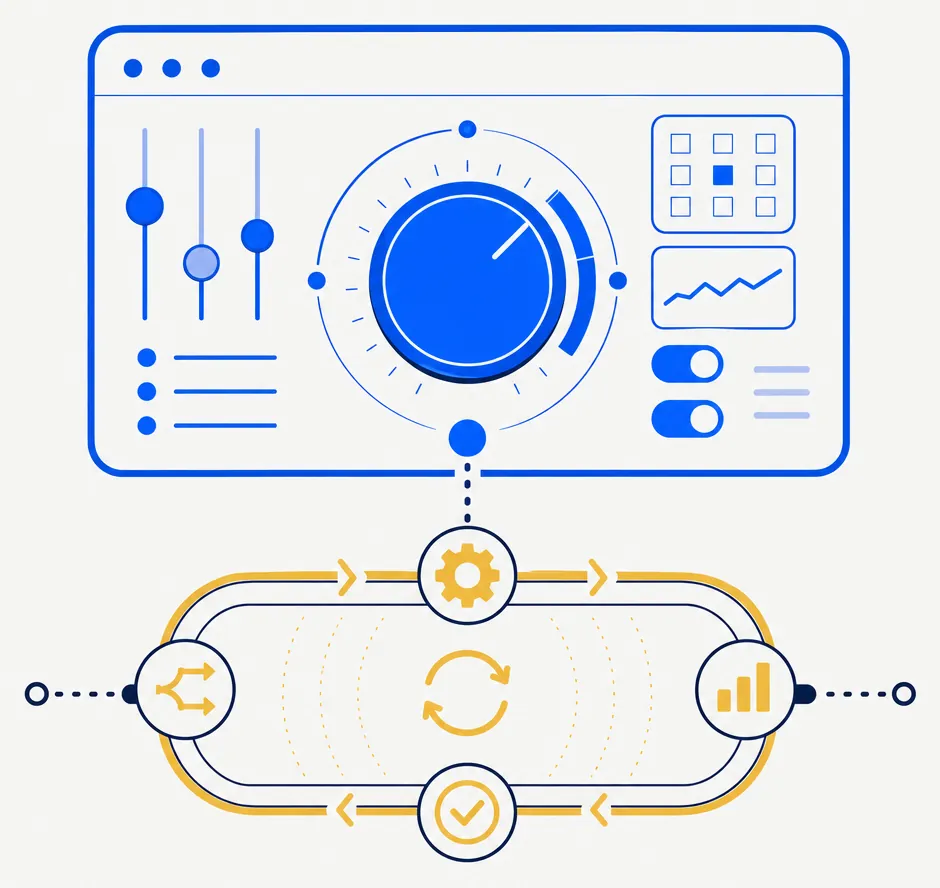
Guided requires an investor to explicitly confirm proposed real orders. Autopilot runs configured automation on paper accounts within the rails an investor sets. For the currently offered E*TRADE connection, every real-money order still requires the investor's confirmation before it is sent. A future supported broker may offer automated execution.
What Autopilot changes
What does Autopilot tier add beyond Guided?
Autopilot can operate within configured safety rails, keeps proposals visible in the dashboard, and provides controls for review and veto. For the currently offered E*TRADE connection, each live proposal remains pending for human execution. The system-wide stop is an administrative safety control, not an individual subscriber control. The coming-soon stop-loss-handling feature is unavailable. Availability and behavior depend on the active product configuration and connected account.
- Configurable automation. The investor chooses the applicable autonomy configuration and safety rails.
- Household-aware monitoring. Connected-account information can be considered in the product's wash-sale monitoring.
- Visible proposals. The dashboard remains the place to inspect activity and available controls.
- Stop-loss handling is coming soon. Disabled features are not available today.
Controls remain important
Does Autopilot remove investor oversight?
No. Investors should review the active configuration, the connected account, and proposed activity. A configurable veto window is an investor control; the system-wide stop is an administrative safety control. Neither assures that a particular trade, loss, tax result, or investment outcome will occur.
The stop control
What does the Autopilot stop control do?
The system-wide stop is an administrative safety control designed to halt new order activity when activated. It is not an individual subscriber control and does not replace the investor's responsibility to review their account and authorized activity.
STOP-LOSS · COMING SOON
Stop-loss handling (coming soon). Coming soon: configured stop levels will be flagged for investor review. The product does not currently provide stop-loss automation.
Any coming-soon stop-loss alerts will be surfaced when the feature is available. Until then, stop-loss automation is unavailable.
Autopilot may not be appropriate for every investor. The product does not promise reduced review time, a particular amount of losses, or an improved investment result.
For related background, see how Guided and Autopilot differ, how Alpha changes the configuration, and what direct indexing can require.